
Website Blocks: QA, Comparison Table, and Image Caption
I recently completed a couple of landing pages for a biosciences company, which we’ll be testing over the coming months to see which version performs better.
When working on these pages, I started designing a couple of new elements that looked nice and provided functionality that would work well on other websites. It’s a little surprising that I didn’t have similar modules already built from past projects, but it’s always nice to add new elements to the collection that can be easily incorporated in the future.
QA Module
A simple question and answer section:
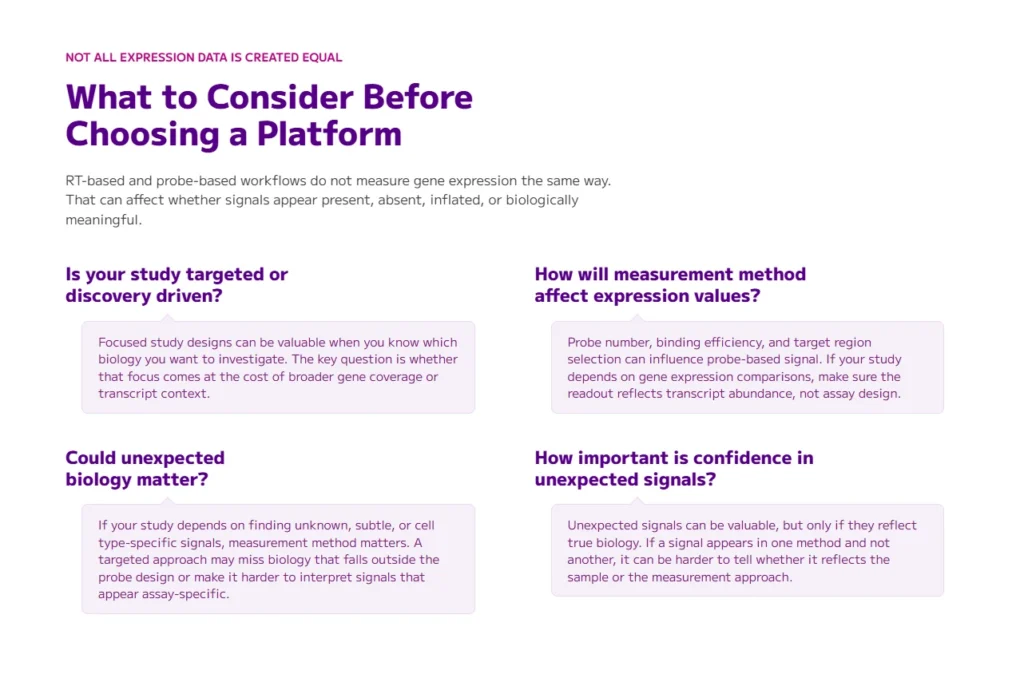
In the past, I’ve likely just used an existing module to get roughly this same design in place, but it often times is beneficial to create a more tailored module made specifically for the needs required of that module. With this version, it’s easy to add as many question/answer sections as needed, and styling the module is more streamlined with this setup.
Comparison Table
An easy to use module for comparing products or services:

We wanted to show a few features of our product in comparison to a competitor’s — a basic two column table, but we wanted to make it completely obvious to see that our product was the better of the two. I added checkboxes next to our features to denote the clear choice, along with the ability to easily color the boxes (via CSS) to differentiate our product vs theirs.
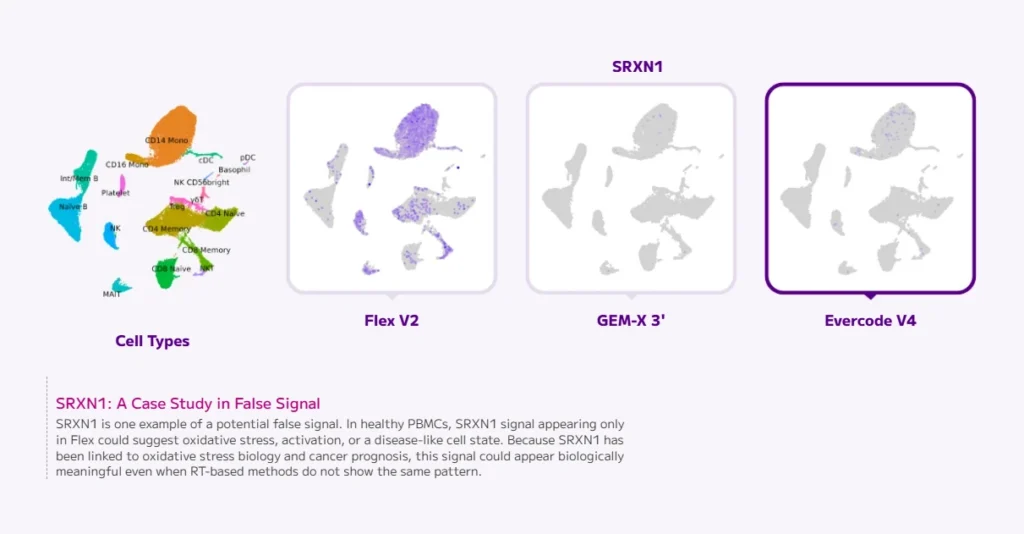
Captions
Easy image captions:
I often like to caption images and diagrams with a little more style than what is possible with standard WordPress solutions, and so I created a caption block that can be placed above, below, or to the left or right of images. This allows me to easily add leading lines which tie back to the image, which are based on it’s orientation with the graphic.